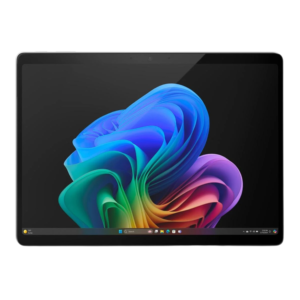
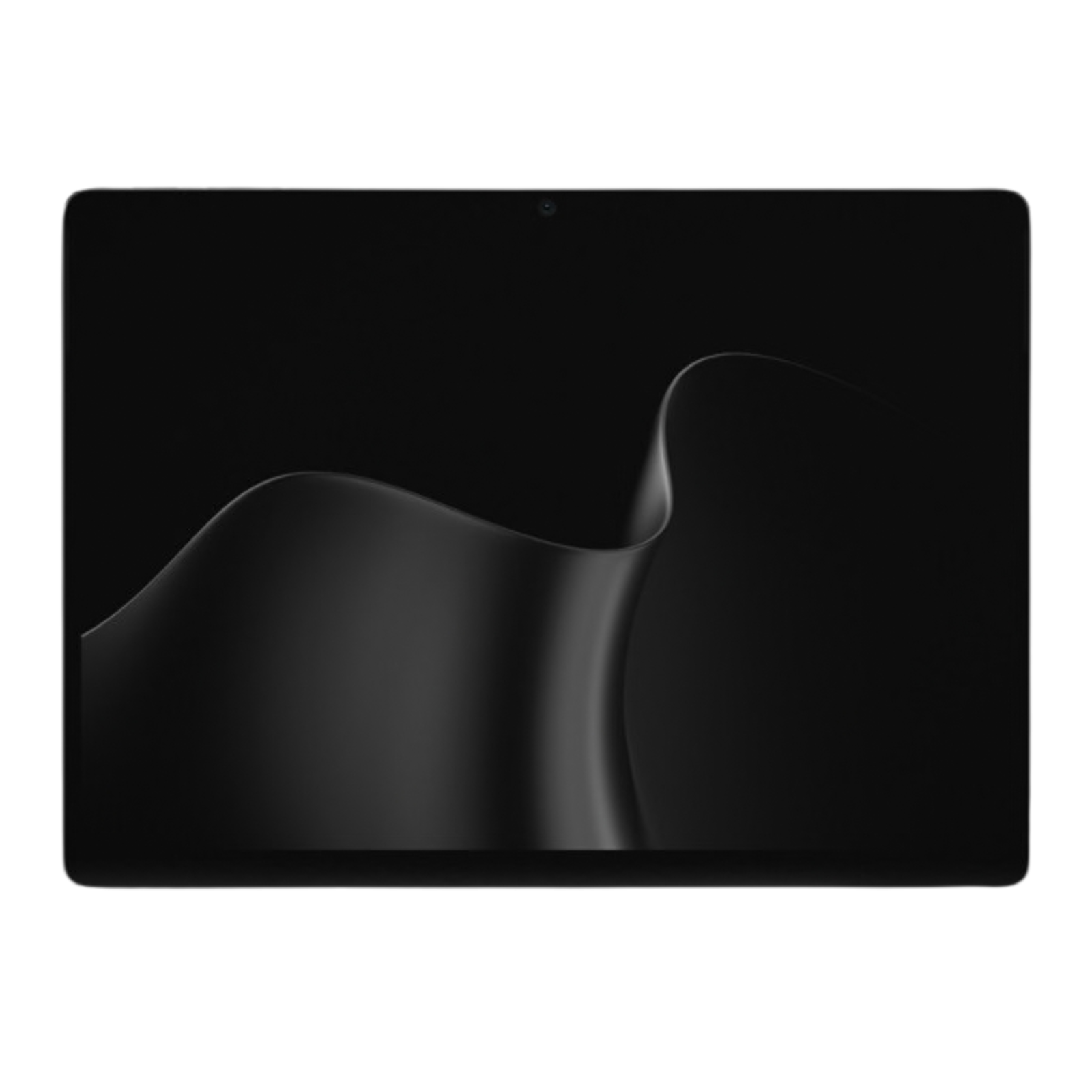
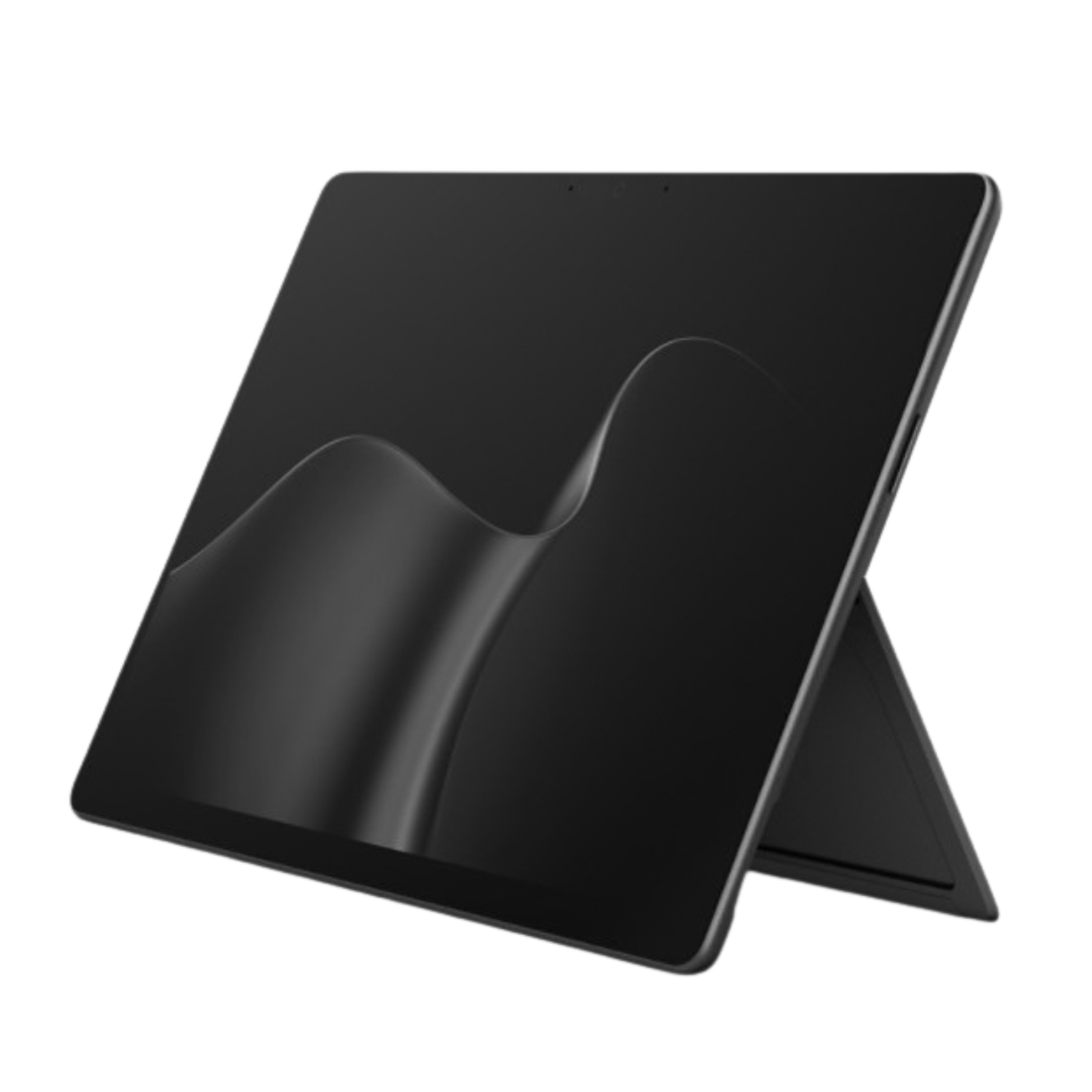
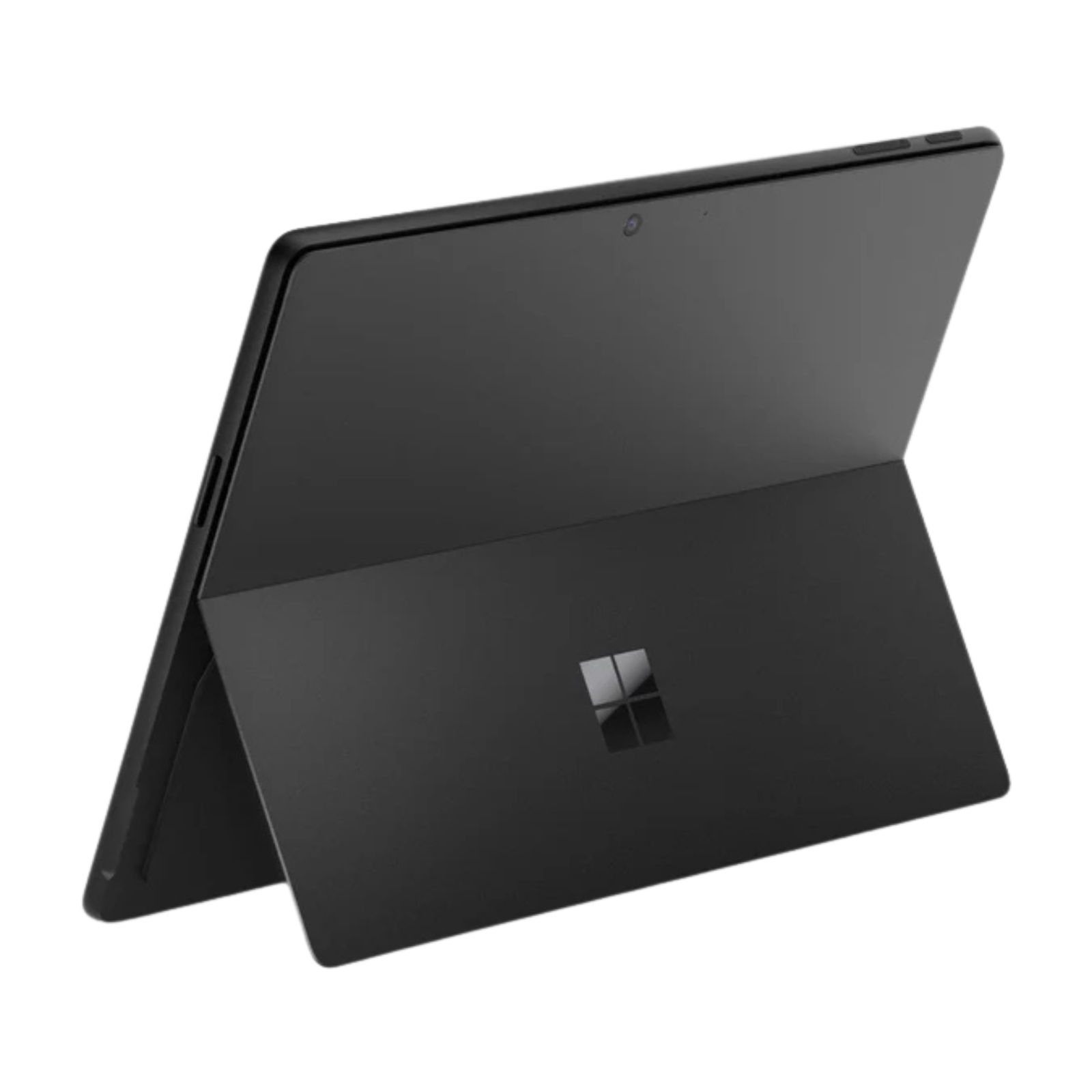
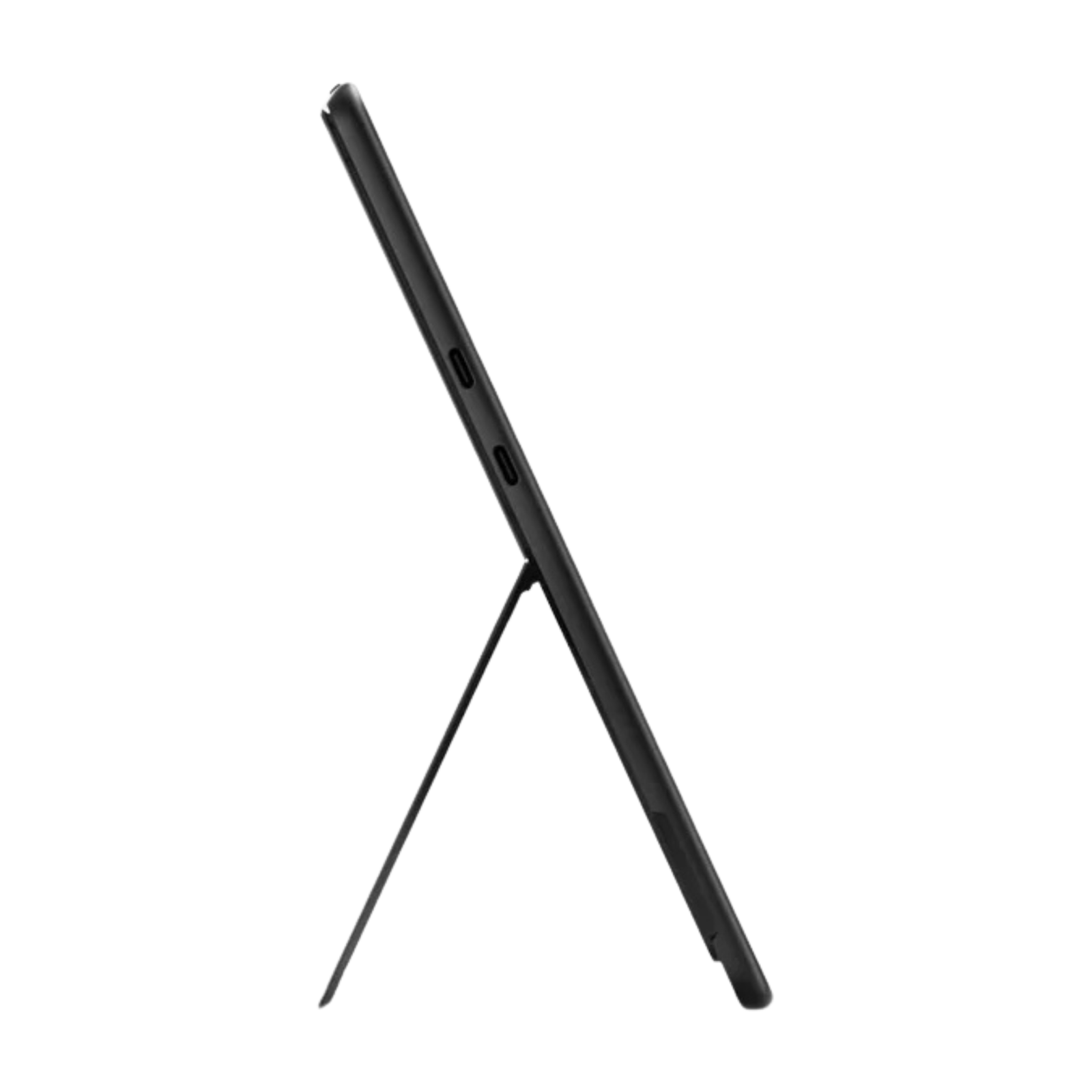
Microsoft Surface Pro 12th Edition 13-Inch PixelSense Tablet Intel Core Ultra 7 (Series 3) (Touch Screen, 16GB RAM, 512GB SSD, Black) – New

R78,599.00

Condition: Tested & Certified with 90-Day Guarantee | Local Support & Setup by NeonTech IT.

SKU: EP2-48898 Categories: ,

Description

Stock Notice: This item is currently in stock with our distributor and is not physically held at NeonTech IT. Available for online sale only.

Ships Within: 2–5 business days.

General Information:

Condition:
New, Sealed

Includes:

Surface Pro for Business (11th Edition), Quick Start Guide, Safety and warranty documents, 39W Power Supply

Warranty:
1 Year Limited Hardware Warranty 

Ships Within: 2–5 business days.


Hardware Configuration:

Year Model & SKU:
EP2-48898

Display:
13″ Touchscreen, PixelSense Flow, 2880 x 1920, 3:2, up to 120Hz, SDR 600 nits, HDR 900 nits peak

Processor:
Intel Core Ultra 7 processor 366H (Series 3)

NPU:
Intel AI Boost with 50 TOPS

Memory:
16GB LPDDR5x-SDRAM

Storage:
512GB SSD (Removable solid-state drive (Gen 4)

Graphics:
Intel Graphics

Installed OS:
Windows 11 Pro 


Design that adapts to your workstyle

A person sitting at a table, working on a Surface Pro for Business, which is attached to a Surface Pro 13-inch Flex Keyboard for Business.

Surface Pro is two devices in one

Alternate between a tablet you can write and draw on with Slim Pen and a laptop when you engage the built-in kickstand and pair Surface Pro with a keyboard.Footnote3
A Slim Pen and an Surface Pro for Business with the built-in kickstand engaged.

A rich, vivid display

See clearly, even when working outdoors, on a 13-inch PixelSense™ touchscreen, available with an optional anti-reflective OLED display for brighter colors and contrast.Footnote4,5,24Swipe, scroll, and write smoothly with a refresh rate up to 120Hz.
A person uses a Slim Pen to draw on the touchscreen of a Surface Pro for Business.

Navigate your way—pen, touch, or voice

Switch seamlessly between a natural digital inking experience and a touchscreen responsive to intuitive gestures like drag and drop. Or go hands-free with voice commands.
A doctor sits at a desk on a video call, using Surface Pro for Business’s camera while working across multiple monitors.

Enhanced video calling

Join polished video calls with the ultrawide front camera enhanced with AI-powered Windows Studio Effects, and scan documents and capture sharp details with a high-resolution rear camera.Footnote6
Power to perform anywhere

A person uses a Slim Pen to write on the touchscreen of a Surface Pro for Business.

Multitask like a pro with IntelFootnote®

IntelFootnote® Core™ Ultra Series 3 processors provide smooth and exceptionally fast performance to handle demanding apps and challenging creative workflows.
A close-up of a glowing NPU chip, emphasizing the device’s AI computing power.

Take on AI tasks effortlessly

The built-in Neural Processing Unit (NPU) supports the processing of AI workloads locally, offloading work from the CPU for faster performance and improved efficiency to help you save time on work.

Unplug with up to 17 hours of battery

All-day battery life makes it easier to work from anywhere, then recharge in a snap with fast charging, supported via Surface Connect or USB-CFootnote®.Footnote1,7

Work from anywhere with optional 5G

Access data or check email no matter where you are—ultra-fast downloads and secure connectivity are just two of the many benefits of optional 5G.Footnote2

Reduce lag with more RAM and storage

With up to 64 GB of memory and 1 TB of storage, experience lightning-fast load times and read and write speeds.Footnote8 A removable solid-state drive helps support data retention.Footnote9

Stay connected with ultra-fast Wi-Fi & BluetoothFootnote®

Wi-Fi 7 and BluetoothFootnote® Core 5.4 provide the fastest wireless connectivity for ultra-reliable connections.Footnote10 Enjoy smooth calls and seamless pairing with accessories.

Unmatched flexibility, built-in accessibility

Transform Pro into a full desktop setup
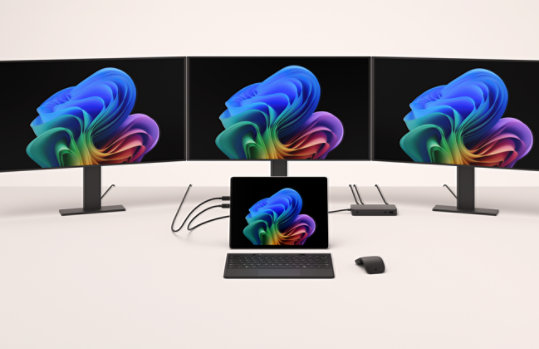
Master multitasking when you extend your setup and enable split-screen workflows—Surface Pro for Business supports up to three 4K external monitors at 60Hz with compatible docks or through daisy chain.11
A Surface Pro for Business docked to three external monitors.

A person using a Surface Pro for Business with the built-in kickstand engaged.

Find your perfect angle

Adjust the built-in kickstand to work on Pro as a laptop or a tablet at the most comfortable angle.

A person using a Surface Pro for Business and a detached Surface Pro 13-inch Flex Keyboard for Business.

A flexible 2-in-1 keyboard

Pair your device with Surface Pro 13-inch Flex Keyboard for Business, which works attached or detached to adapt to work in any location.Footnote12,13

A close-up of a Surface Pro 13-inch Flex Keyboard for Business.

Control and comfort you can feel

Fine-tune click and haptic response on the precision haptic touchpad for intuitive control paired with a quiet, comfortable backlit keyboard.
A close-up of a bold keyset Surface Pro 13-inch Flex Keyboard for Business.

Bold keyset option available

Larger, bold font, high contrast, and brighter backlighting make keys more visible for confident typing.Footnote14 
Secured by default to help keep your business safe

A shield overlaid on multiple screens showing Microsoft apps, representing built-in device security.

Designed with a Zero Trust mindset

Security is built into your device’s hardware, firmware, and software layers to help reduce risk and streamline remediation.
An abstract close-up of an NPU, CPU, and motherboard, emphasizing how security is built into the device.

Out-of-the-box protections

Surface Pro for Business is a Secured-core PC with Windows 11 Pro, designed to help keep you protected against new and evolving threats with key recommended Windows security features on by default.
A woman smiles surrounded by various passwordless security icons, representing the ease and protection of passwordless authentication.

Sign in without a password

Windows Hello facial recognition, passkeys, and optional NFC reader (available on Wi-Fi models only) provide strong, passwordless authentication which helps to protect user credentials and supports secure access to data.Footnote15
A Windows Hello sign-in screen on a Surface Pro for Business.

Built for security above all else

Surface devices are secure by design, secure by default, and secure in operation—built to support your business’s compliance objectives and deliver trusted security from chip to cloud. Learn more
Built-in AI productivity for smarter work

Interact with Copilot your way

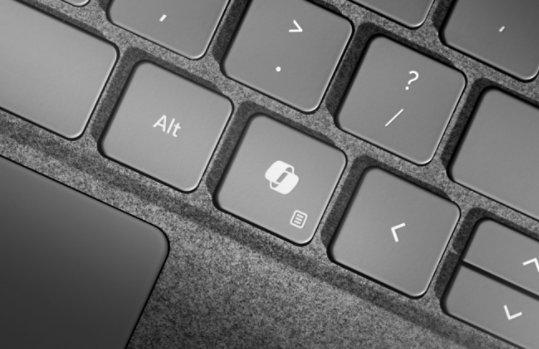
Type, swipe, sketch with Slim Pen, or use the dedicated key to interact with Copilot.16 Converse naturally with Voice in Microsoft 365 Copilot and it can help you organize tasks and create content.17,18 With Slim Pen, launch Copilot Voice or lasso-select images and text for assistance without breaking your flow.3
A close-up of the dedicated Copilot key on a Surface Pro 13-inch Flex Keyboard for Business.
Copilot prompt boxes in Word.

Get more done with Microsoft 365 Copilot

Find answers and multitask better. Copilot brings your files, meetings, emails, and more together all within the Microsoft 365 apps you use every day like Word, PowerPoint, and Excel.Footnote19
An Improved Windows Search query showing the various search results across apps.

Quickly find what you’re looking for

Improved Windows Search saves you time by finding files fast even if you forget their name.Footnote20 Just describe what you’re looking for—images, files, apps, and more.
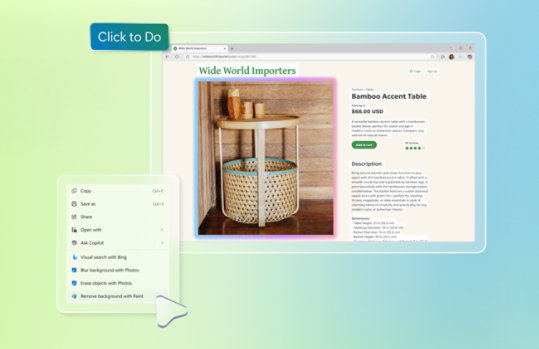
Click to Do providing a helpful suggestion on how to enhance an image.

Stay in your flow with Click to Do

Click to Do analyzes text and images on your screen and serves up suggestions, so you can work smarter.21 Use it to rewrite content, summarize reports, enhance images, and collaborate with Copilot—all without switching apps.
A prompt in Copilot Studio creating a custom Copilot agent.

Customize your Copilot

Create and use custom Copilots right in your workflow using natural language or a graphical interface. With Copilot Studio, you can easily design, test, and publish AI agents for your needs.Footnote22
A person uses Live Captions on a Copilot+ PC.

Connect across languages with live captions

Live captions instantly translate speech and add subtitles in real-time to meetings and local videos, so everyone can follow along together.Footnote23

Reviews

There are no reviews yet.

Be the first to review “Microsoft Surface Pro 12th Edition 13-Inch PixelSense Tablet Intel Core Ultra 7 (Series 3) (Touch Screen, 16GB RAM, 512GB SSD, Black) – New”

Your email address will not be published. Required fields are marked *